
Thuê VPS Windows cho phần mềm Windows, Remote Desktop và workflow từ xa Windows VPS for remote desktop access, Windows software, and remote workflows
100% SSD NVMe, Windows Server 2019/2022, Remote Desktop và băng thông 1Gbps không giới hạn. Phù hợp cho phần mềm Windows, công cụ MMO, bot, tác vụ văn phòng từ xa và workflow cần giao diện desktop quen thuộc. 100% SSD NVMe, Windows Server 2019/2022, Remote Desktop, and 1Gbps unlimited bandwidth for Windows software, MMO tools, bots, remote office tasks, and workflows that need a familiar desktop environment.
Bảng Giá VPS Windows VPS Windows Pricing
Ưu đãi đăng ký mới, áp dụng cho mọi location VPS: thanh toán 1 năm tổng giảm 36%, thanh toán 3 năm tổng giảm 52%. Nhập mã New-customer offer for all VPS locations: save 36% total with 1-year billing or 52% total with 3-year billing. Use code trước 31/10/2026. by 31 Oct 2026.
Ưu đãi gia hạn hiện hành: giảm 10% khi gia hạn 6 tháng, 20% khi gia hạn 1 năm và 40% khi gia hạn 3 năm. Current renewal discounts: 10% for 6 months, 20% for 1 year, and 40% for 3 years.
Bắt đầu với gói nhỏ nếu bạn chạy website, landing page, automation hoặc tác vụ cơ bản; nâng dần khi cần thêm CPU, RAM và dư địa ổn định hơn cho ứng dụng, bot hoặc tải truy cập thực tế.Start with a smaller plan for websites or light workloads, then scale up when you need more CPU, RAM, or stable headroom.
Bắt đầu từ gói gần nhu cầu hiện tại nhất rồi nâng dần khi traffic hoặc workload tăng.Pick the closest fit to your current workload, then scale when needed.
- 1 vCPU
- 1 GB RAM
- 30 GB SSD NVMe
- Băng thông không giới hạnUnlimited Bandwidth
- 99.9% Uptime SLA
- Backup hàng tuần miễn phíFree weekly backup
- 1 vCPU
- 2 GB RAM
- 30 GB SSD NVMe
- Băng thông không giới hạnUnlimited Bandwidth
- 99.9% Uptime SLA
- Backup hàng tuần miễn phíFree weekly backup
- 2 vCPU
- 2 GB RAM
- 30 GB SSD NVMe
- Băng thông không giới hạnUnlimited Bandwidth
- 99.9% Uptime SLA
- Backup hàng tuần miễn phíFree weekly backup
- 2 vCPU
- 4 GB RAM
- 60 GB SSD NVMe
- Băng thông không giới hạnUnlimited Bandwidth
- 99.9% Uptime SLA
- Backup hàng tuần miễn phíFree weekly backup
- 4 vCPU
- 8 GB RAM
- 100 GB SSD NVMe
- Băng thông không giới hạnUnlimited Bandwidth
- 99.9% Uptime SLA
- Backup hàng tuần miễn phíFree weekly backup
- 8 vCPU
- 16 GB RAM
- 180 GB SSD NVMe
- Băng thông không giới hạnUnlimited Bandwidth
- 99.9% Uptime SLA
- Backup hàng tuần miễn phíFree weekly backup
Ưu Điểm Vượt TrộiOutstanding Features
Chạy Phần Mềm Từ Xa Ổn ĐịnhStable remote software runtime
Phù hợp khi bạn cần tách phần mềm công việc, tool MMO hoặc ứng dụng nội bộ khỏi máy cá nhân nhưng vẫn giữ trải nghiệm desktop quen thuộc.A good fit when you need to separate business software, MMO tools, or internal apps from your personal machine while keeping a familiar desktop experience.
Làm Việc Từ Xa Dễ HơnEasier remote work
Hữu ích cho workflow văn phòng từ xa, truy cập phần mềm nghiệp vụ hoặc môi trường làm việc chung mà không phụ thuộc vào một thiết bị cố định.Useful for remote office workflows, line-of-business software, or shared working environments without depending on one fixed device.
Online Liên Tục Cho Tool & BotAlways-on for tools and bots
Giúp tool, bot hoặc tác vụ tự động tiếp tục chạy ngay cả khi máy cá nhân tắt, mất mạng hoặc cần dùng cho việc khác.Keeps tools, bots, or automated tasks running even when your personal computer is turned off, loses internet, or is needed for other work.
Đa Dạng Phiên Bản WindowsFlexible Windows versions
Windows Server 2012R2, 2019, 2022 và Windows 10 giúp bạn chọn đúng môi trường cho phần mềm desktop, công cụ nội bộ hoặc ứng dụng doanh nghiệp.Windows Server 2012R2, 2019, 2022, and Windows 10 help you choose the right environment for desktop software, internal tools, or business applications.
Lợi Ích Khi Chọn VMon CloudWhy teams choose VMon Cloud
Tách Môi Trường Khỏi Máy Cá NhânSeparate work from your personal machine
Giảm rủi ro khi cài tool, bot hoặc phần mềm công việc trên máy riêng, đồng thời dễ kiểm soát truy cập và dữ liệu hơn.Reduce risk from installing tools, bots, or work software on your own device while making access and data easier to control.
Hạ Tầng Ổn Định Để Chạy Liên TụcStable infrastructure for always-on use
Phù hợp khi phần mềm cần online liên tục, từ công cụ MMO đến phần mềm văn phòng từ xa hoặc tác vụ nội bộ kéo dài nhiều giờ.A good fit when software needs to stay online continuously, from MMO tools to remote office software and long-running internal tasks.
Dễ Quản Trị & Nâng CấpEasy admin and upgrades
Trang quản lý trực quan giúp bạn đổi mật khẩu, cài lại hệ điều hành, nâng cấp cấu hình hoặc xử lý các nhu cầu vận hành cơ bản nhanh hơn.An intuitive control panel helps you reset passwords, reinstall the OS, upgrade resources, or handle basic operational tasks faster.
Hỗ Trợ 24/724/7 Support
Chuyên gia sẵn sàng hỗ trợ khi bạn cần kích hoạt nhanh, xử lý truy cập từ xa hoặc kiểm tra hạ tầng VPS.Support is available when you need faster activation, remote access help, or VPS infrastructure troubleshooting.
Sau khi chọn đúng hạ tầng, bạn có thể triển khai stack phổ biến nhanh hơn với One-Click AppsDeploy common stacks faster on the infrastructure you selected
Nếu cần rút ngắn thời gian setup web, panel hoặc app phổ biến, One-Click Apps giúp bạn đi từ hạ tầng sang môi trường chạy thực tế nhanh hơn.If you want to shorten setup time for web stacks, panels, or common apps, One-Click Apps gets you started faster than a manual setup.
Thông Số Kỹ ThuậtTechnical specs
Câu Hỏi Thường GặpFrequently Asked Questions
Chạy phần mềm Windows, EA Forex MT4/MT5, bot MMO, game server, ứng dụng .NET, Remote Desktop. Running Windows software, Forex EA MT4/MT5, MMO bots, game servers, .NET apps, Remote Desktop.
Sau khi nhận email kích hoạt, dùng Remote Desktop (RDP) kết nối vào VPS bằng IP, username và password đã cung cấp. Sau đó cài phần mềm cần thiết. After receiving the activation email, use RDP to connect with the provided IP, username and password. Then install required software.
Đăng nhập vào cloud.vmon.vn — mục Quản Lý VPS hiển thị đầy đủ IP, trạng thái, hạn sử dụng và thông tin cấu hình. Log in to cloud.vmon.vn — the VPS Management section shows full IP, status, expiry and configuration details.
Sử dụng Remote Desktop Connection (RDP) có sẵn trên Windows, hoặc Microsoft Remote Desktop trên Mac/iOS/Android. Use the built-in RDP on Windows, or Microsoft Remote Desktop on Mac/iOS/Android.
Khi đang kết nối qua RDP: nhấn Ctrl+Alt+Del → chọn Change Password. Hoặc từ trang quản lý VMon, chọn “Reset Password”. While connected via RDP: press Ctrl+Alt+Del → Change Password. Or from the VMon panel, select “Reset Password”.
Có: Windows Server 2012R2, 2016, 2019, 2022, Windows 10. Cài lại OS chỉ vài phút. Yes: Windows Server 2012R2, 2016, 2019, 2022, Windows 10. Reinstall OS in minutes.
VPS Windows 10 phù hợp để chạy ứng dụng desktop, MMO tools, phần mềm cần giao diện trực quan. Với web server/bot, Windows Server sẽ ổn định hơn. VPS Windows 10 suits desktop apps, MMO tools and visual-interface software. Windows Server is more stable for web servers/bots.
Mỗi VPS có 1 IP riêng (dedicated). Có thể mua thêm IP với giá 50,000đ/tháng. Each VPS has 1 dedicated IP. Additional IPs at 50,000đ/month.
Tùy nhu cầu: Windows Server 2019/2022 cho ứng dụng doanh nghiệp, Windows 10 cho phần mềm desktop. Ubuntu/CentOS nếu không cần giao diện đồ họa. Depends on needs: Windows Server 2019/2022 for business apps, Windows 10 for desktop software. Ubuntu/CentOS if no GUI is needed.
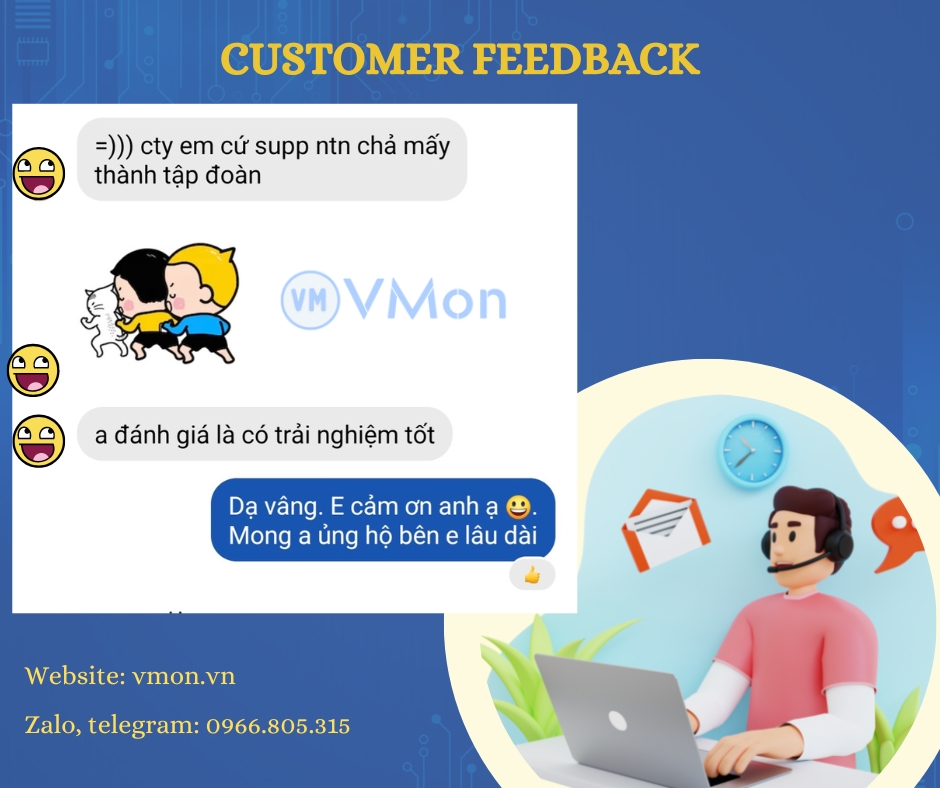
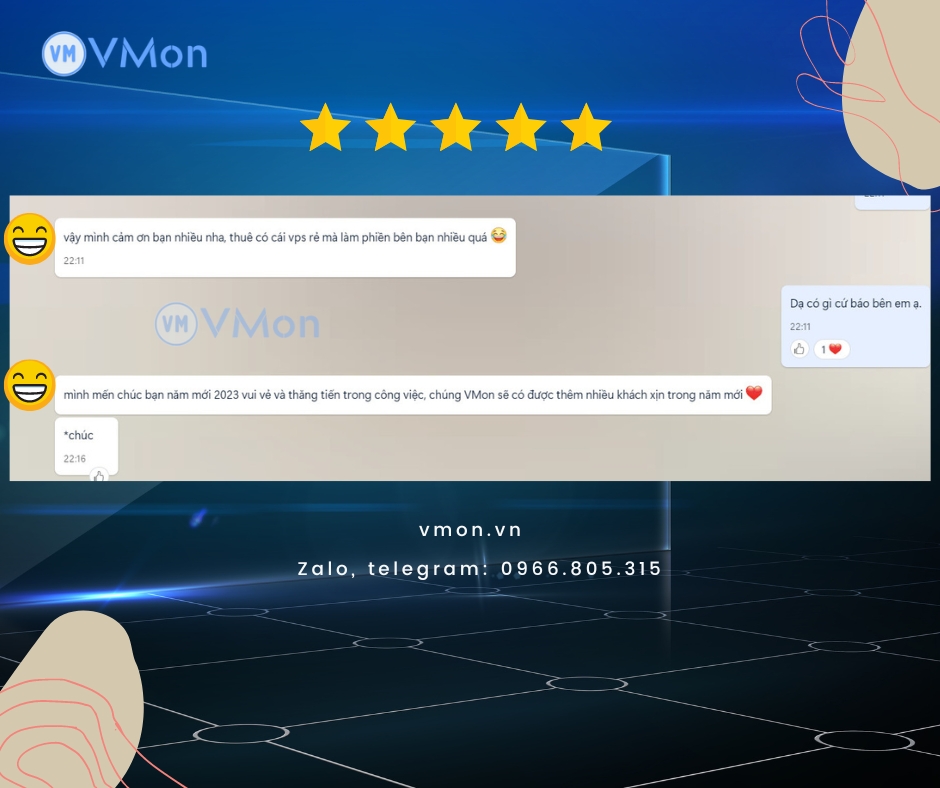
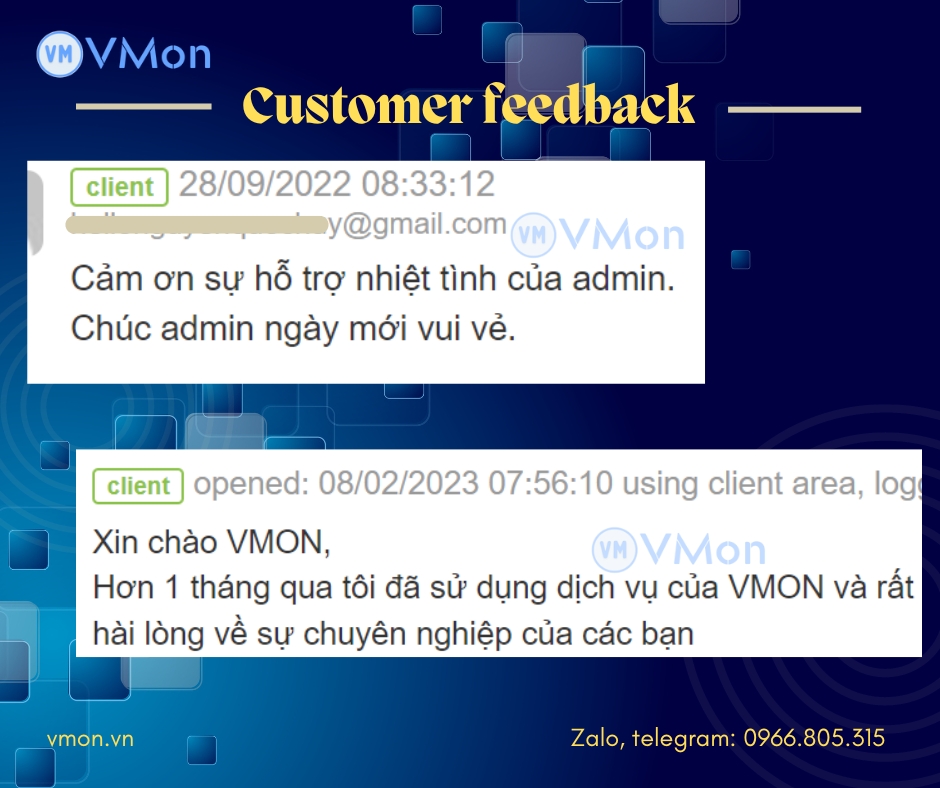
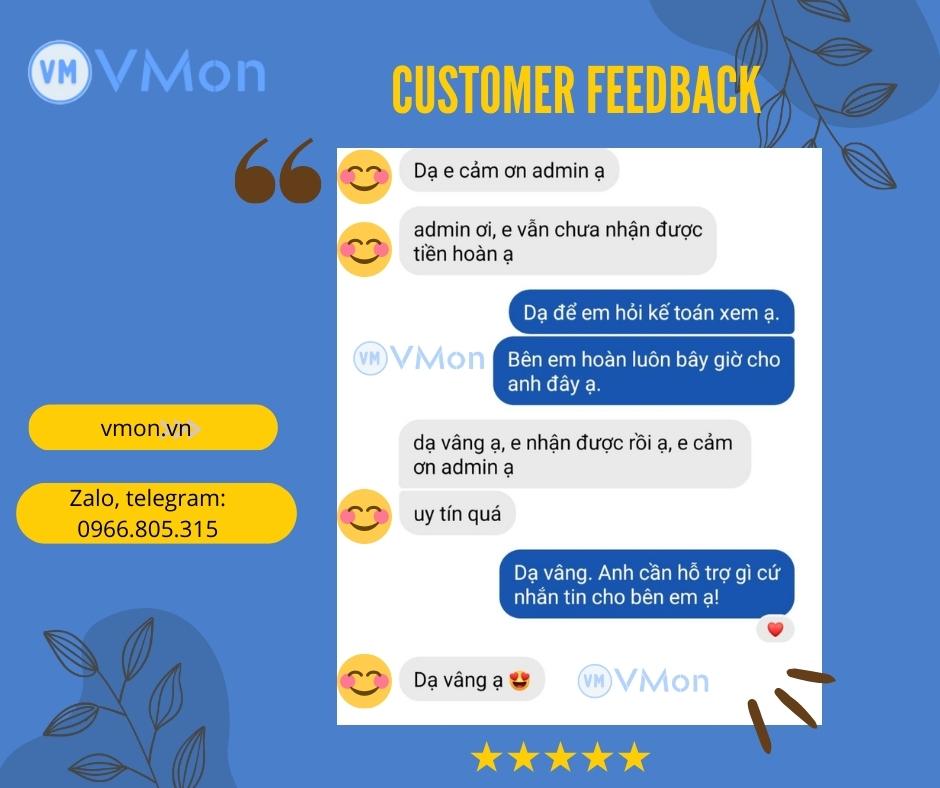
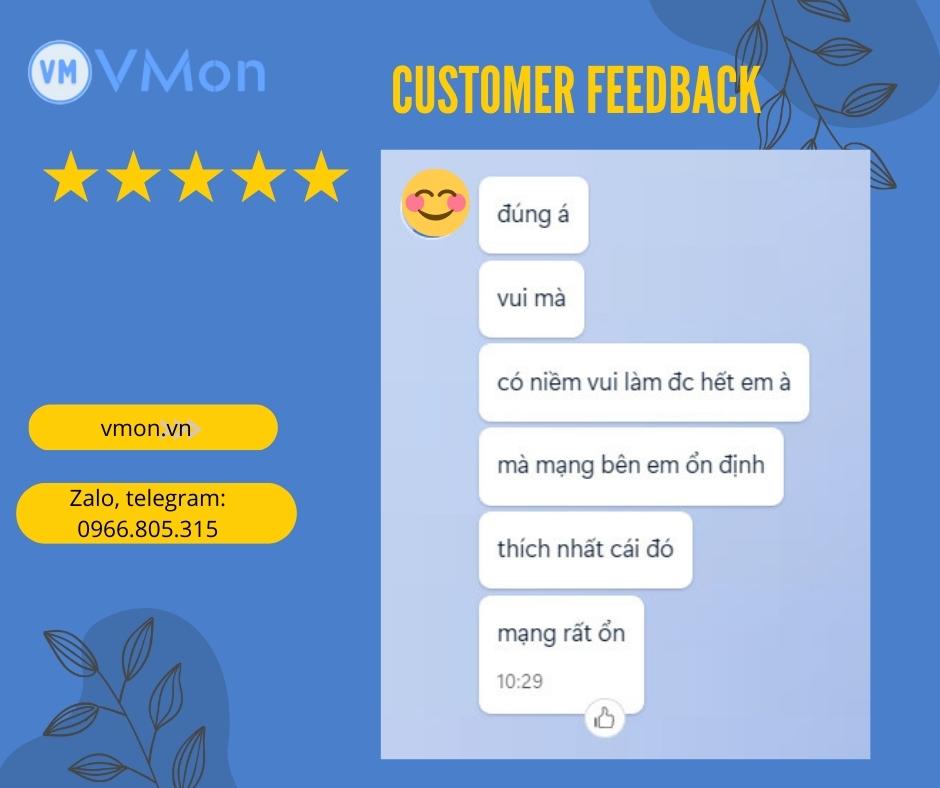
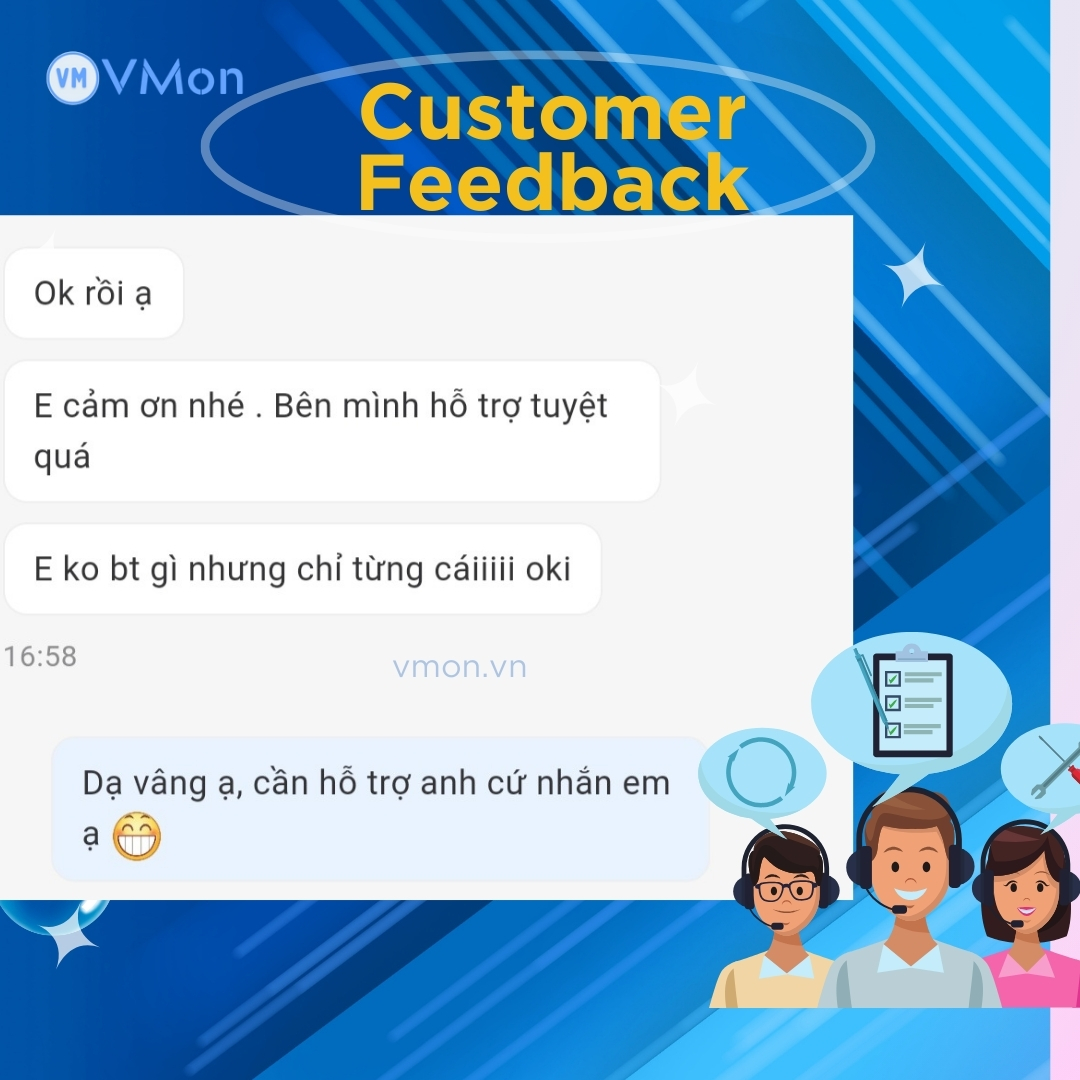
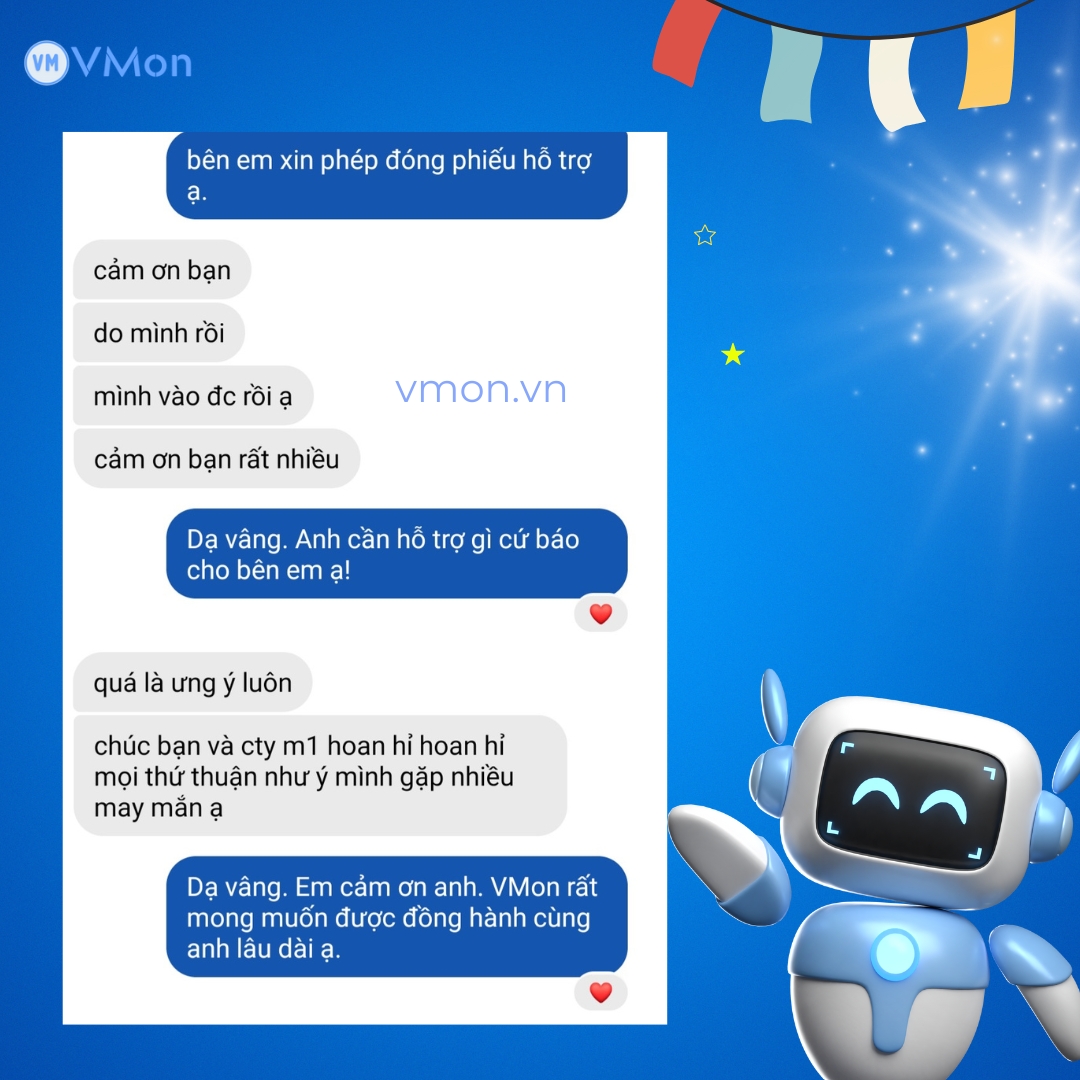
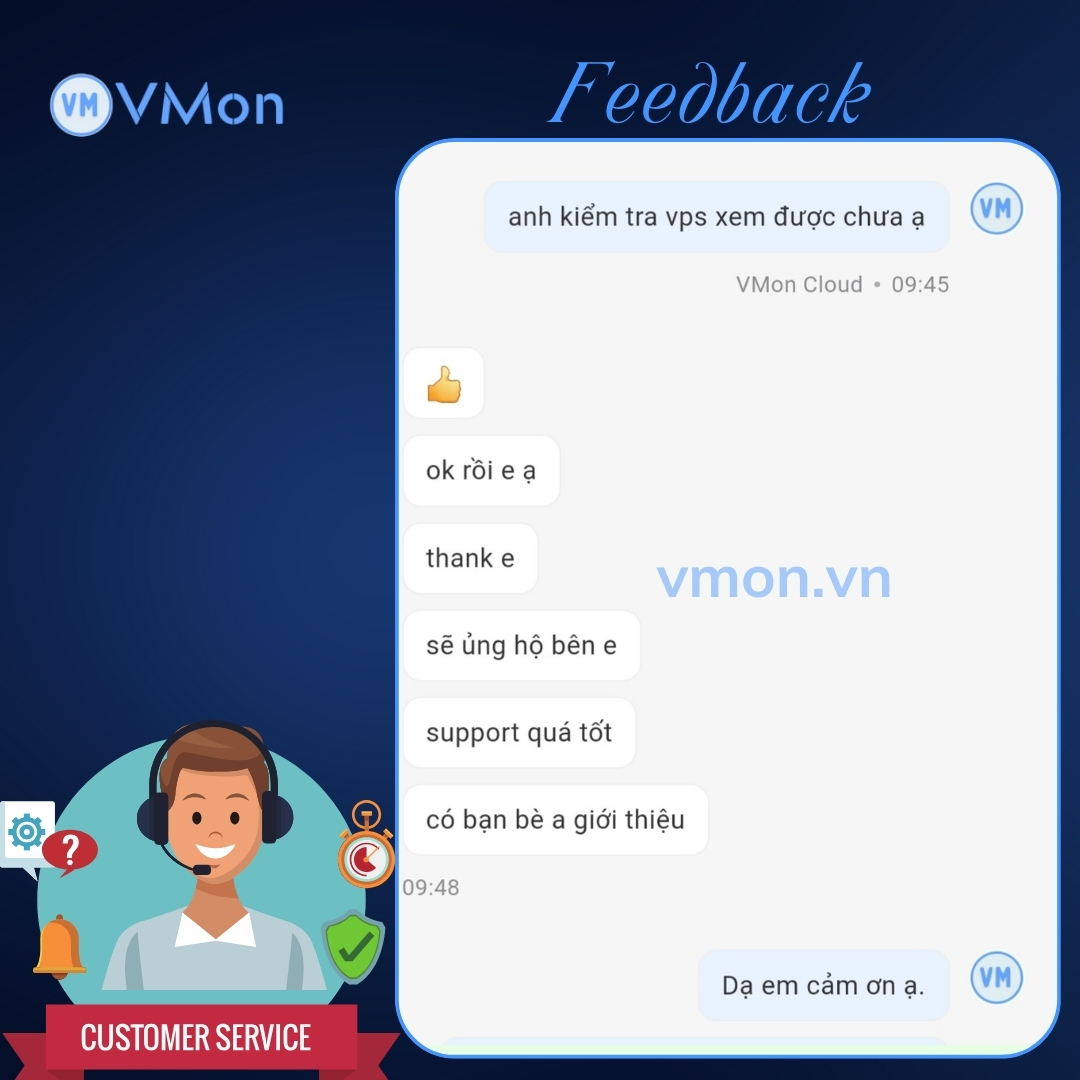
Khách Hàng Nói Gì Về Chúng Tôi? What Our Customers Say?
Phản hồi thực tế từ khách hàng giúp bạn có thêm góc nhìn trước khi chọn cấu hình và triển khai. Real customer feedback gives you more context before choosing a configuration and deploying.
Chọn đúng cấu hình VPS và triển khai nhanh hơn Choose the right VPS configuration and deploy faster
Bước tiếp theo là xem giá, chọn đúng tier theo nhu cầu thực tế và triển khai nhanh với hỗ trợ kỹ thuật khi cần. Review pricing, choose the right tier for your workload, then continue with One-Click Apps or request advice to finalize the best configuration faster.
